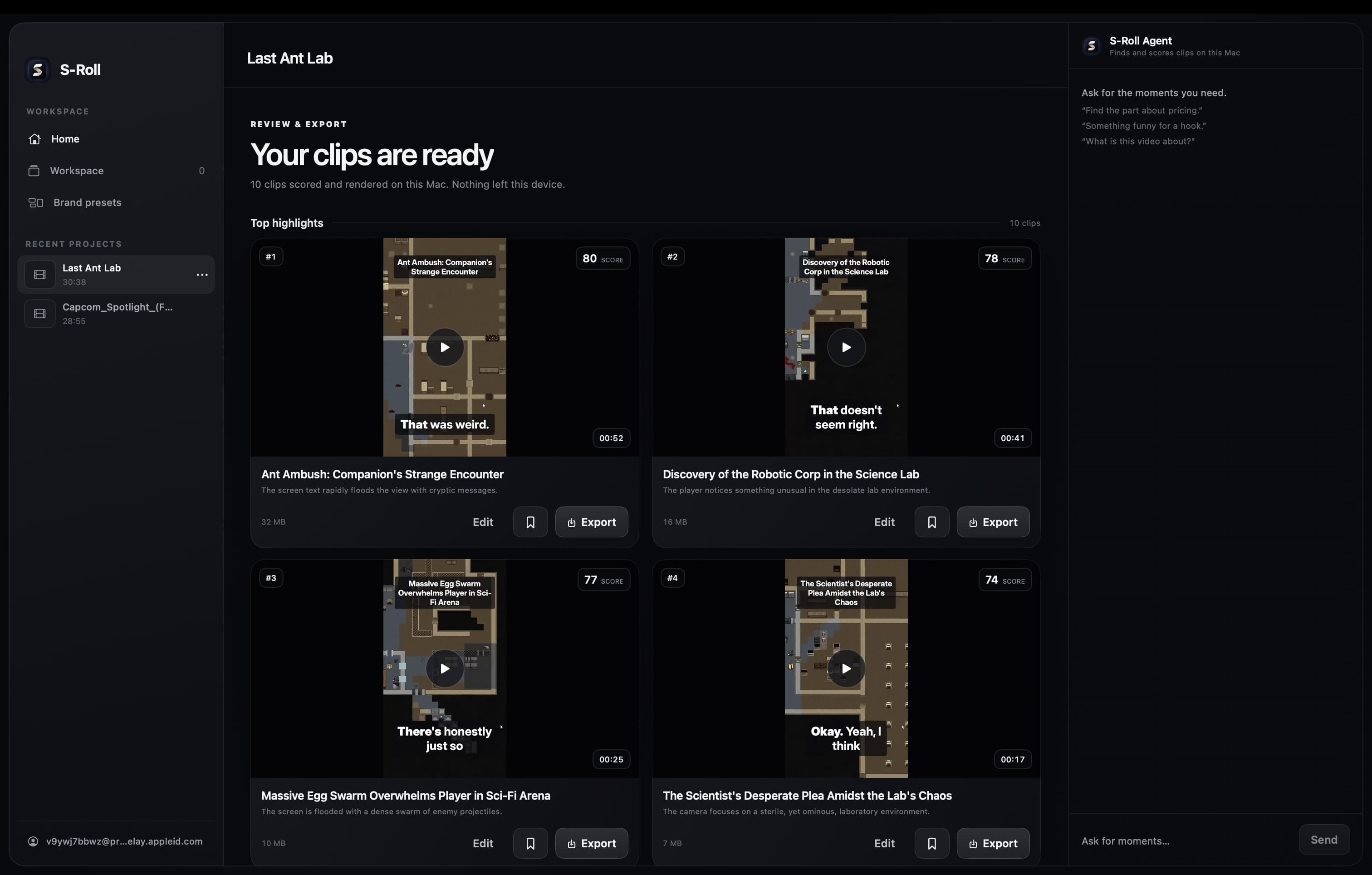
Drop in a long video. S-Roll transcribes it, identifies self-contained sections, and prepares vertical, square, or wide clips. You choose what to save, edit, and export.
By downloading, you confirm you are 18 years or older and agree to the Terms and Privacy Policy.
Find clips
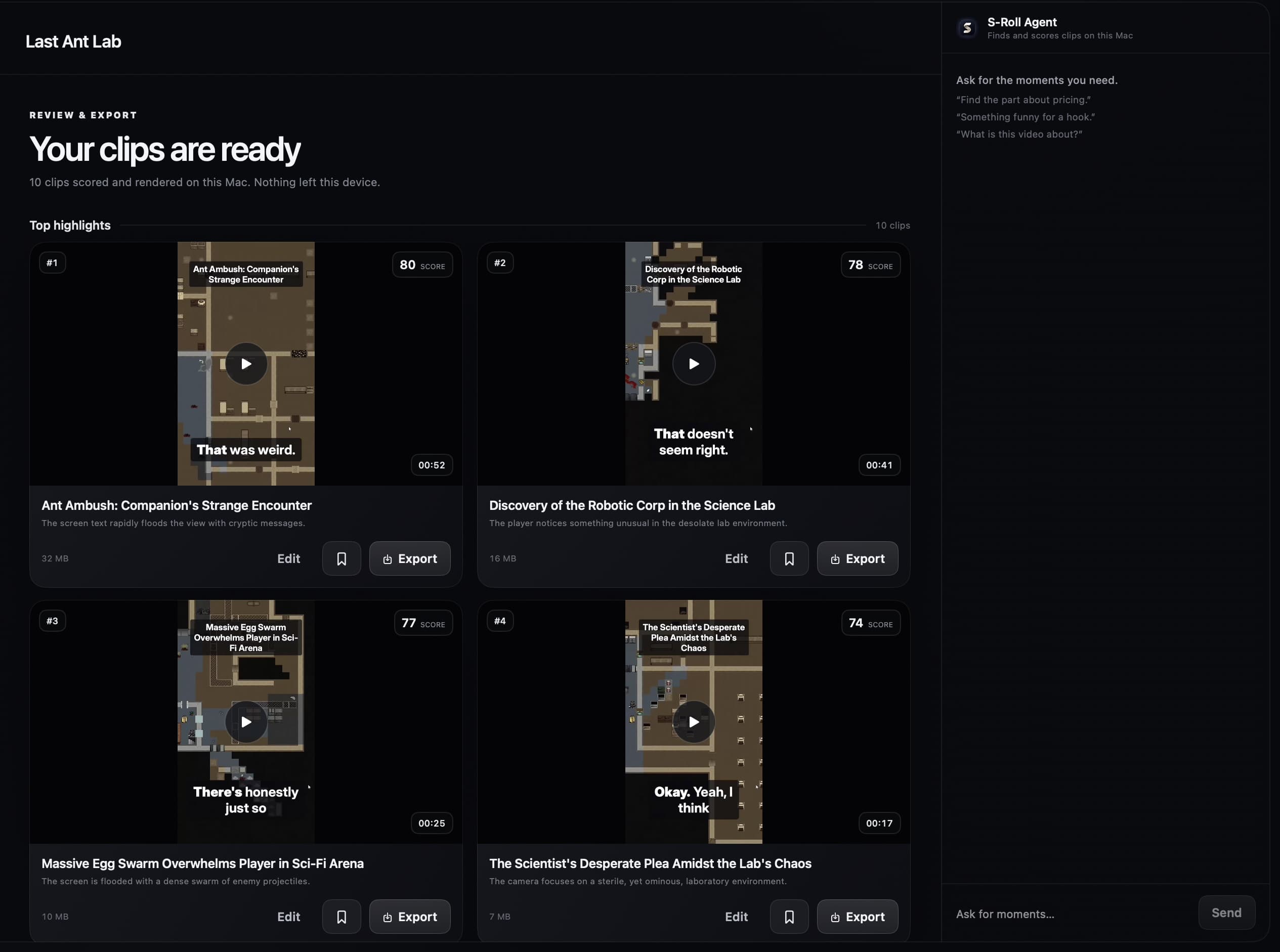
Review the strongest sections first.
Review scored clips with titles, summaries, and previews. Save your picks to Workspace or export them.
Chat to clip
Describe the clip you have in mind.
Ask for a specific action, moment, or topic and turn the matching result into a clip.
“Find the clip where the dragon breathes fire.”“Find the KO clip.”“Find where they mention AI safety.”
Subject tracking
Keep the subject in frame.
Automatic reframing follows the subject as it moves, keeping the action in view.
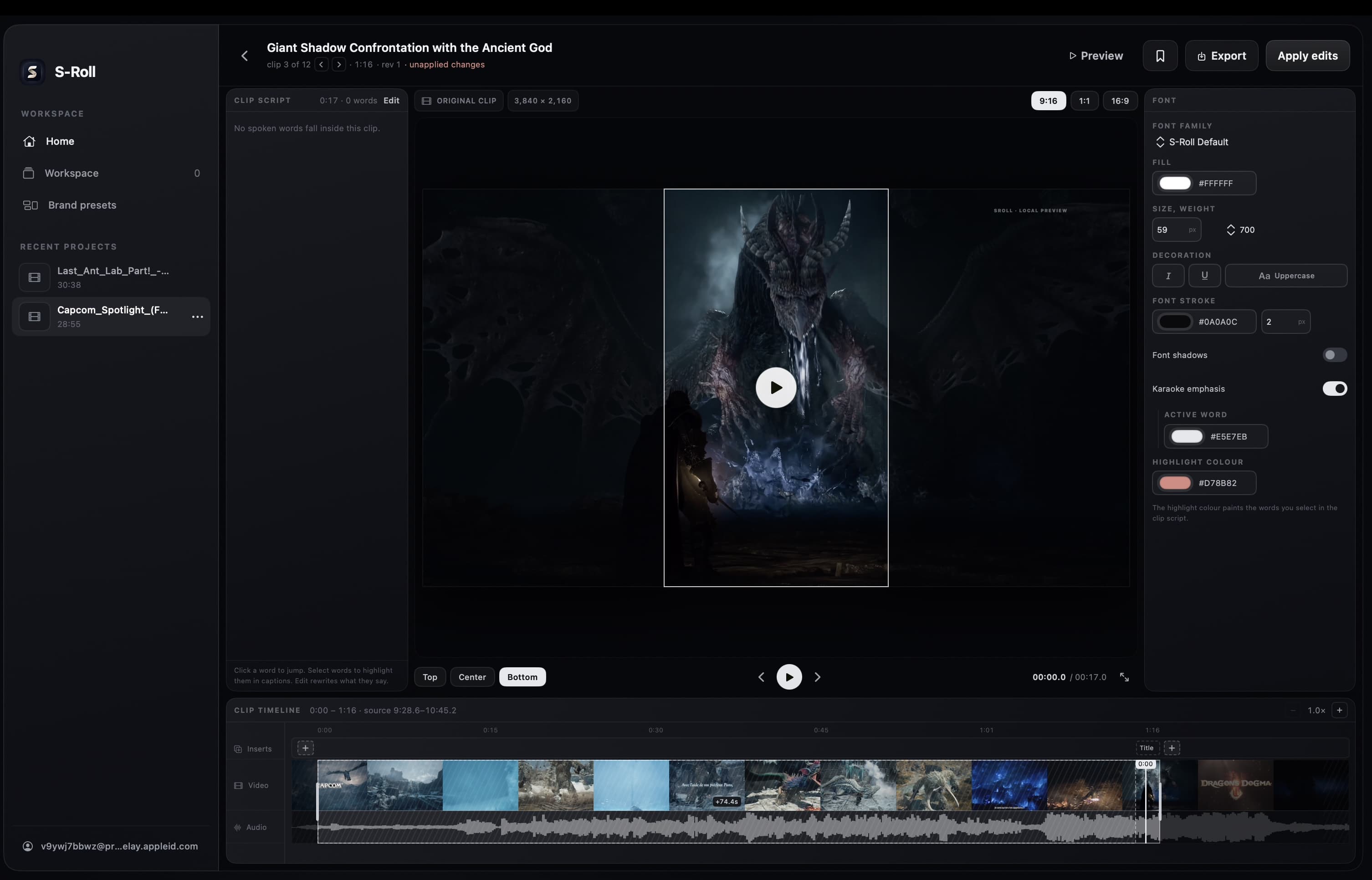
Polish in editor
Polish the cut before export.
Trim the cut, adjust framing, and style captions and titles. Save your look as a brand preset, then export the MP4.
Questions
Before you download.
What leaves my Mac?
Your account details, update checks, and the first model download use the internet. Videos, transcripts, chats, project names, and exported clips do not leave your Mac.
Which Macs can run it?
The launch build is made for Apple silicon Macs running macOS 26 or later.
What happens on the first launch?
After sign-in, S-Roll downloads roughly 6 GB of machine-learning models and verifies them before use. Once they are installed, the video workflow runs locally.
Do generated clips have a watermark?
No. S-Roll is completely free, and exported clips have no watermark.
Are the clips mine?
Yes. You own the clips made from your footage. You remain responsible for having the rights to the source material.